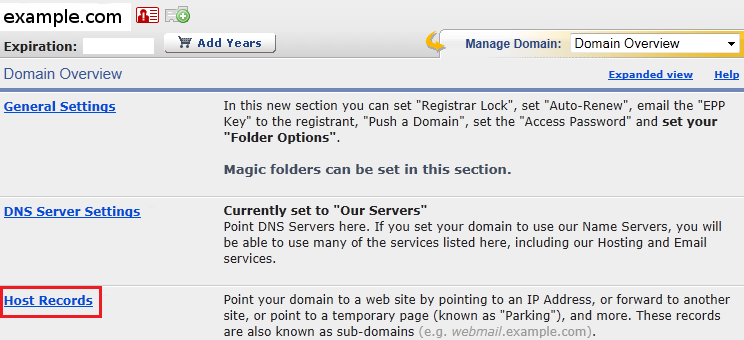
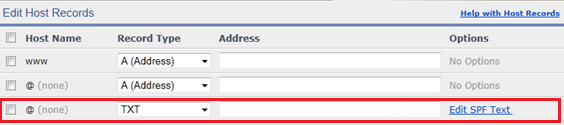
On the Edit Host Records page, if there is not already a blank row, click the + new row button to add a new host record row.
In the new row, set the Host Name field to the name of your subdomain (e.g. "mail" if your email address is [email protected]),
or leave it blank if you do not use a subdomain.
Select TXT from the Record Type drop-down menu.
Past your SPF record (e.g. "v=spf1 a mx ~all") in the Address field.